Local-First Raspberry Pi Companion
Your Pi. In your pocket.
Monitor, SSH & Files for iOS & Android.
The private command center for every Raspberry Pi you run.
From your phone on the local network, monitor CPU, memory, temperature, and storage, use SSH, transfer files over SCP, control systemd services, and receive alerts. Available on iOS and Android.


Get the highlights.
Live Dashboard
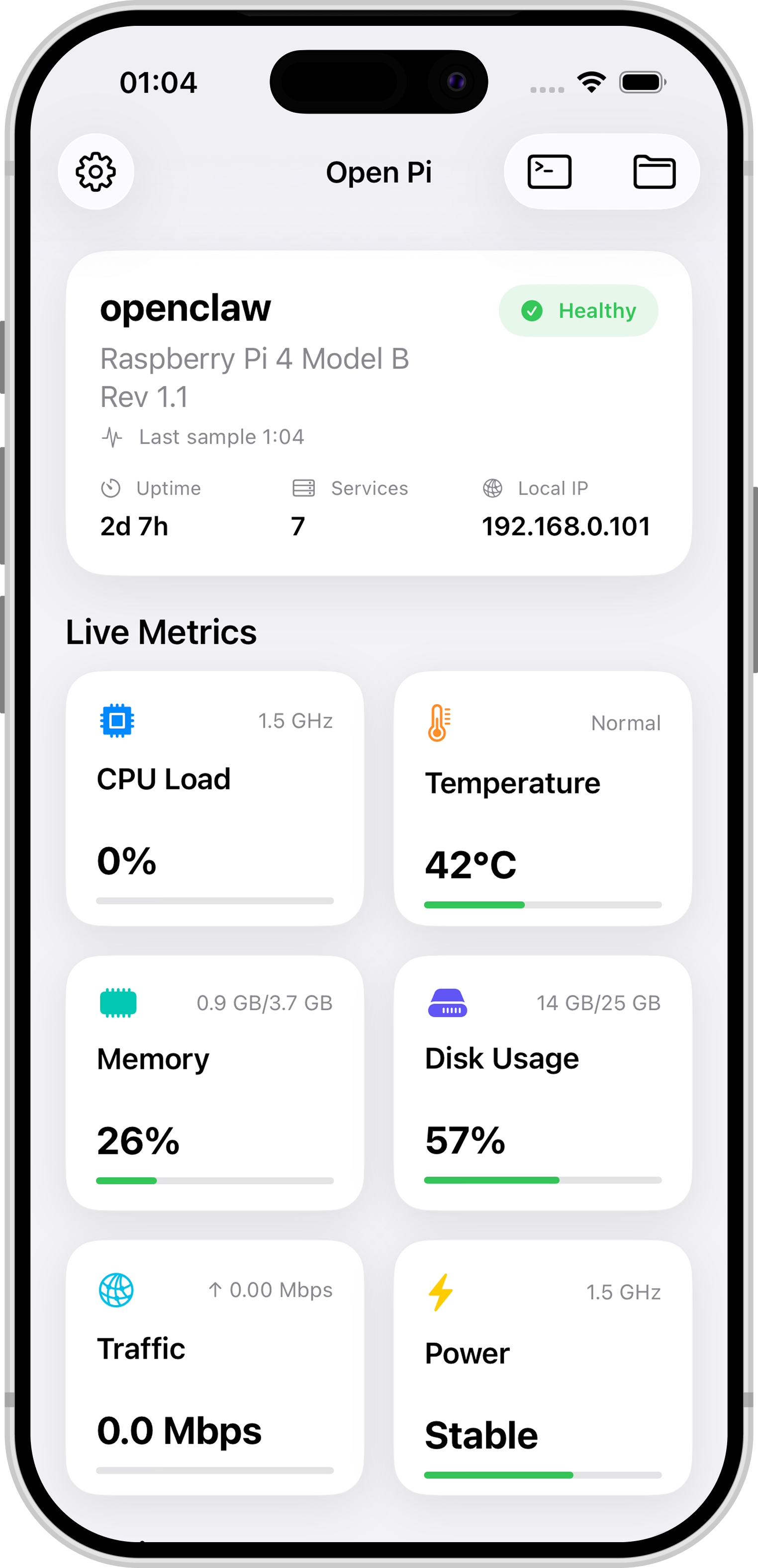
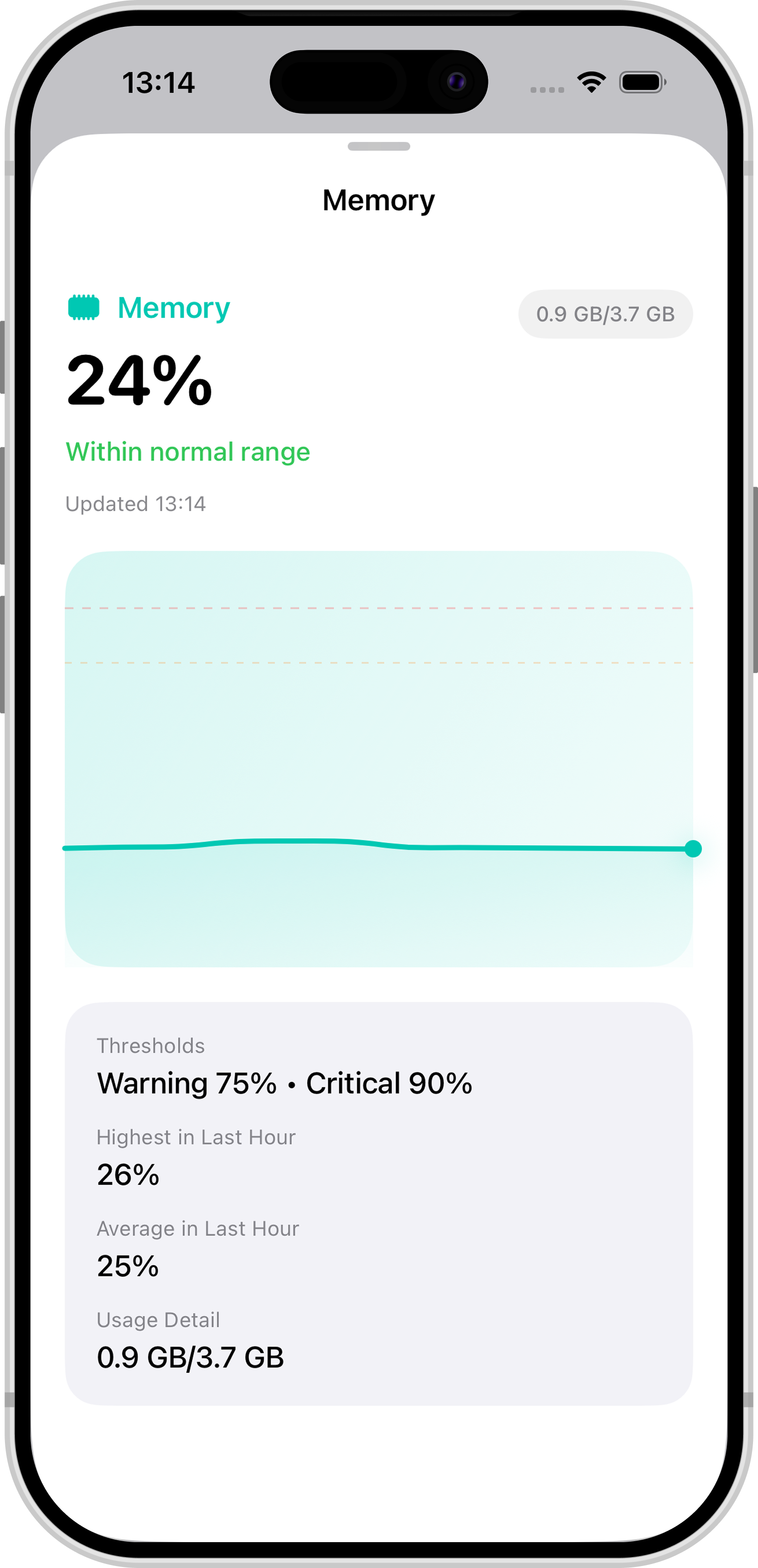
CPU, memory, disk, and temperature — real-time metrics at a glance.
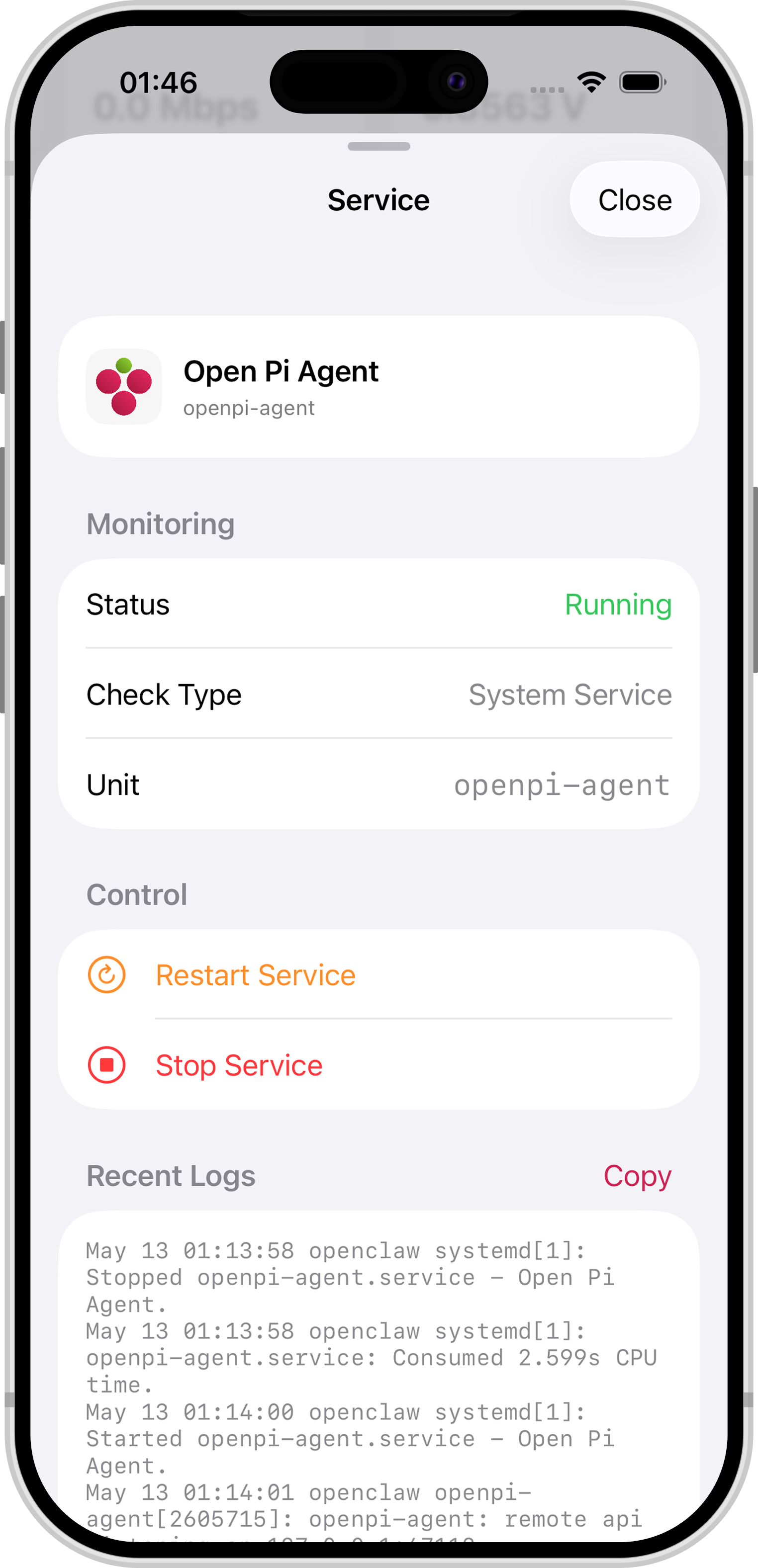
Services
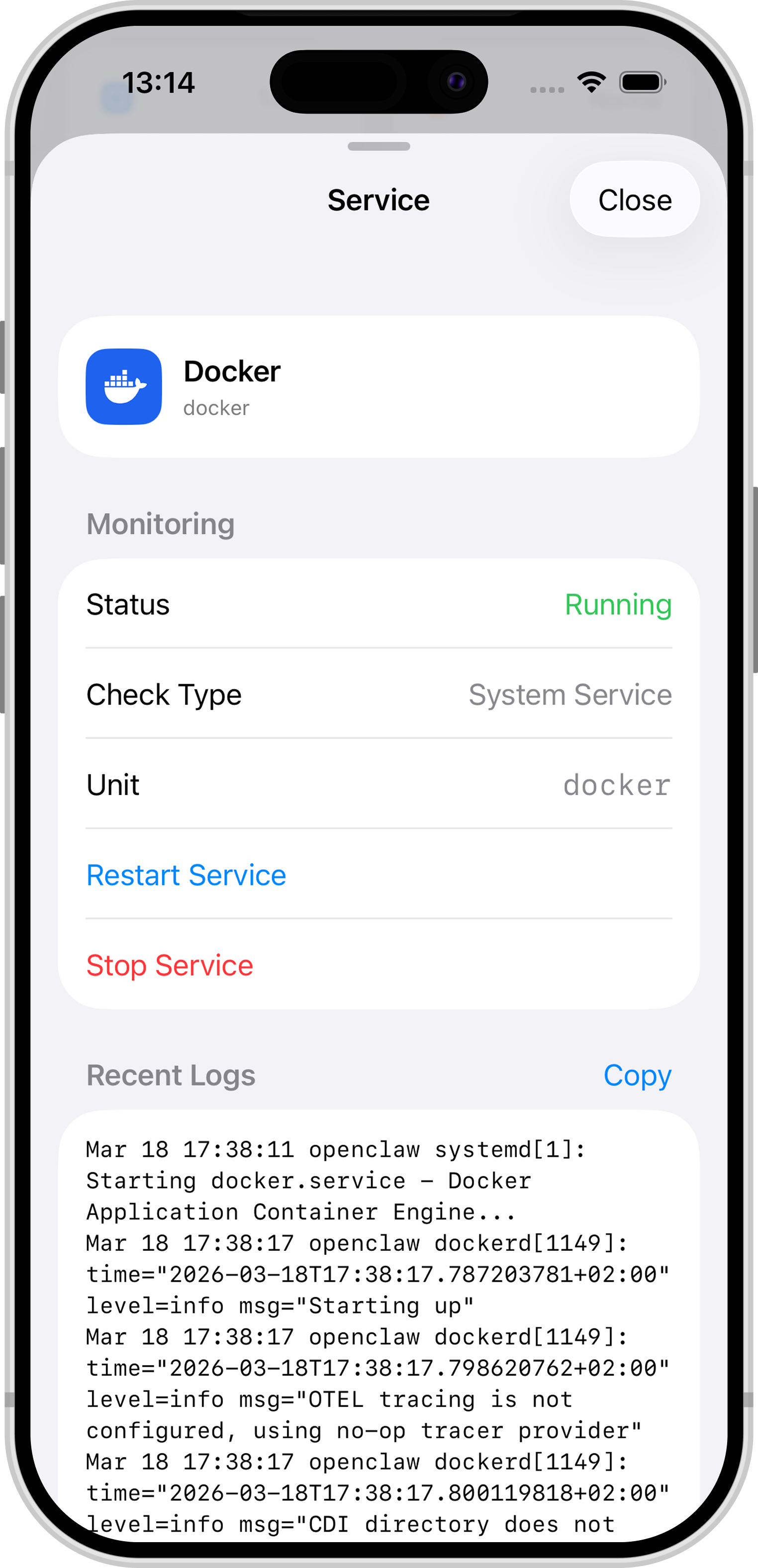
Start, stop, restart, and view logs for systemd services.
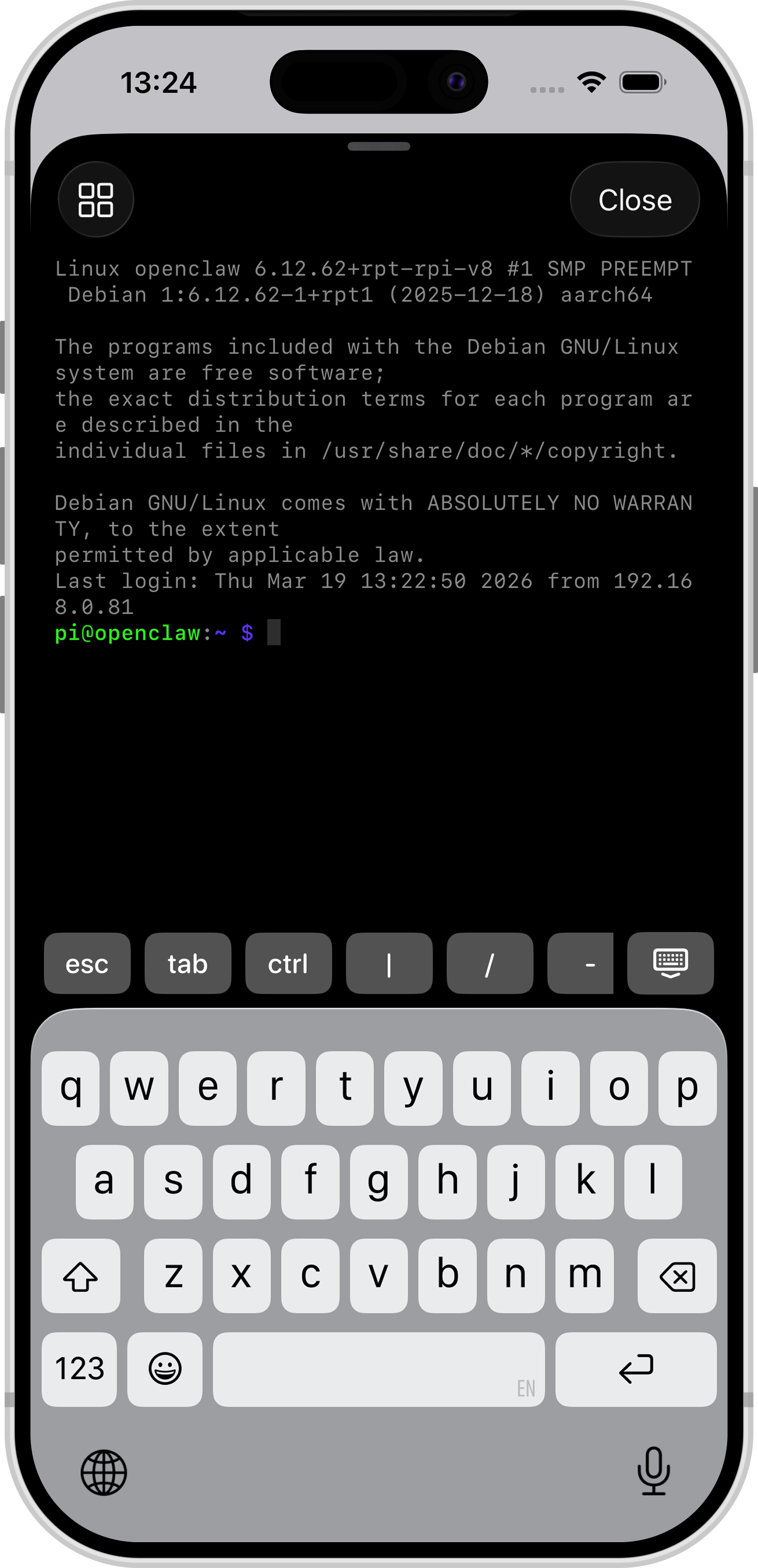
Terminal
Full SSH access with SwiftTerm. Quick commands and history.
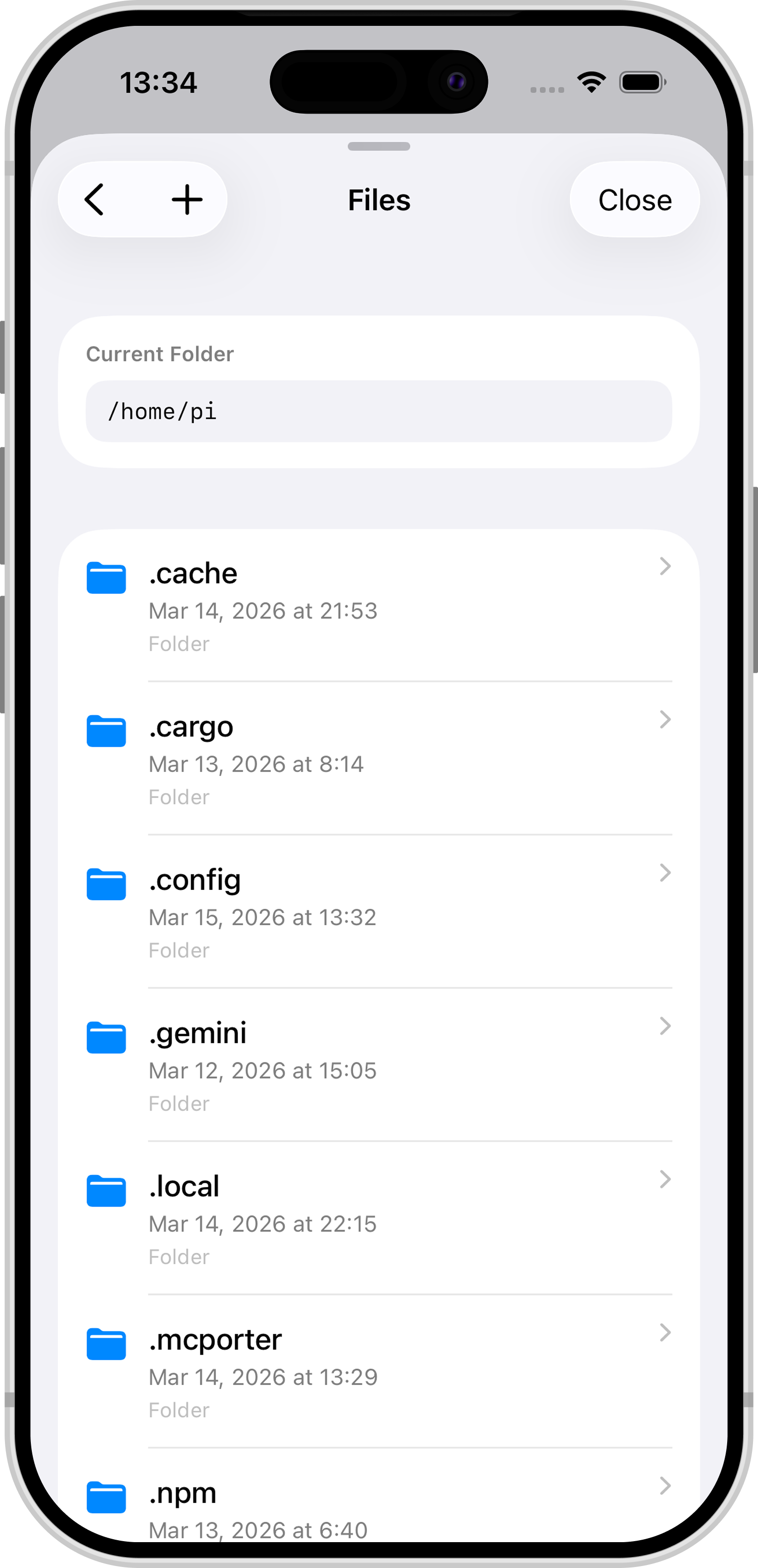
Files
Browse, edit, copy, move, and transfer files over SCP.
Security
Face ID, Keychain, and SSH host key verification.
Alerts
Push notifications when CPU, memory, or temperature spike.
Activity Log
Review CPU, temperature, memory, and network trends across selected dates.
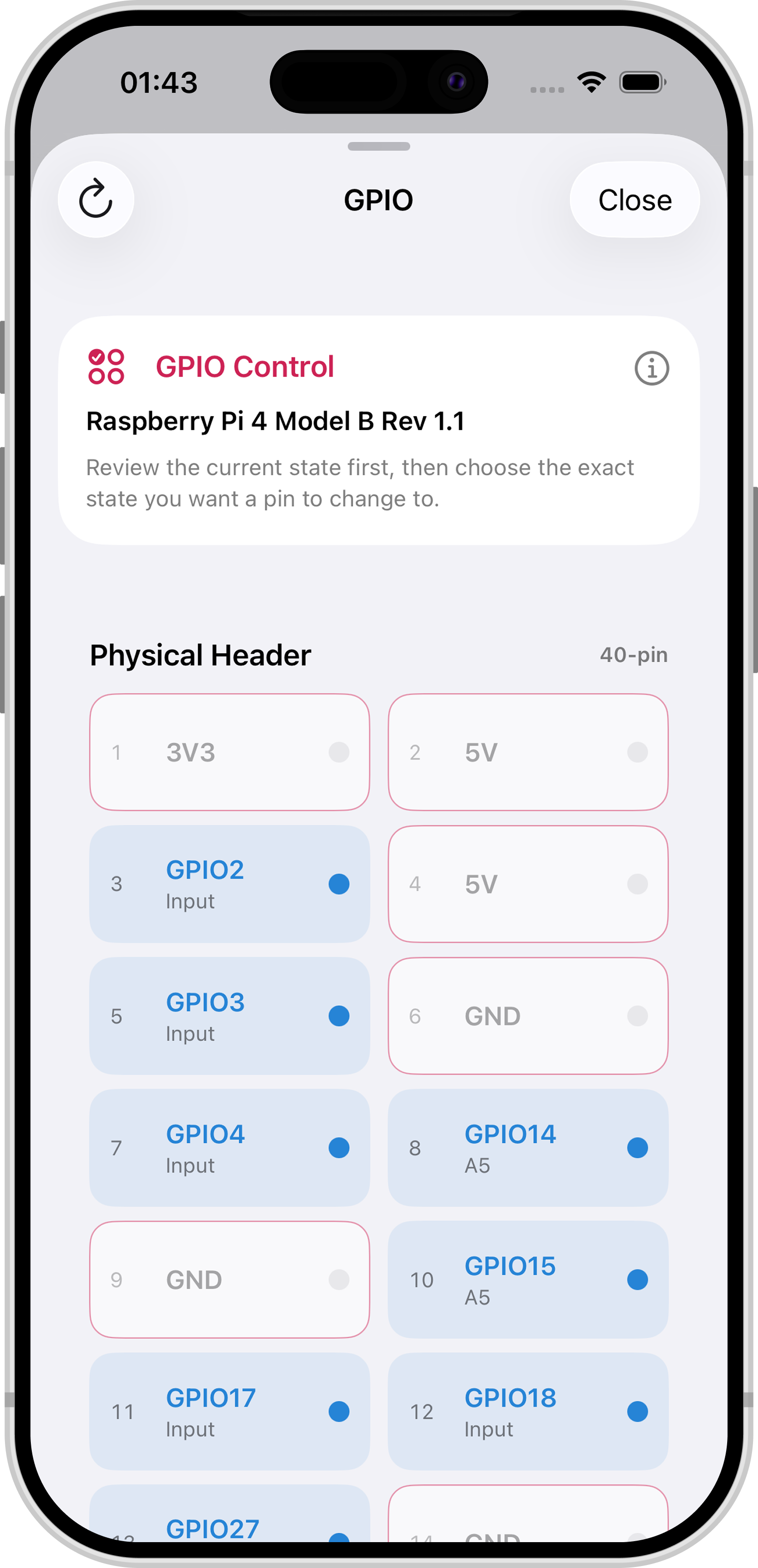
GPIO Control
Manage GPIO pins right from your phone for hardware projects.
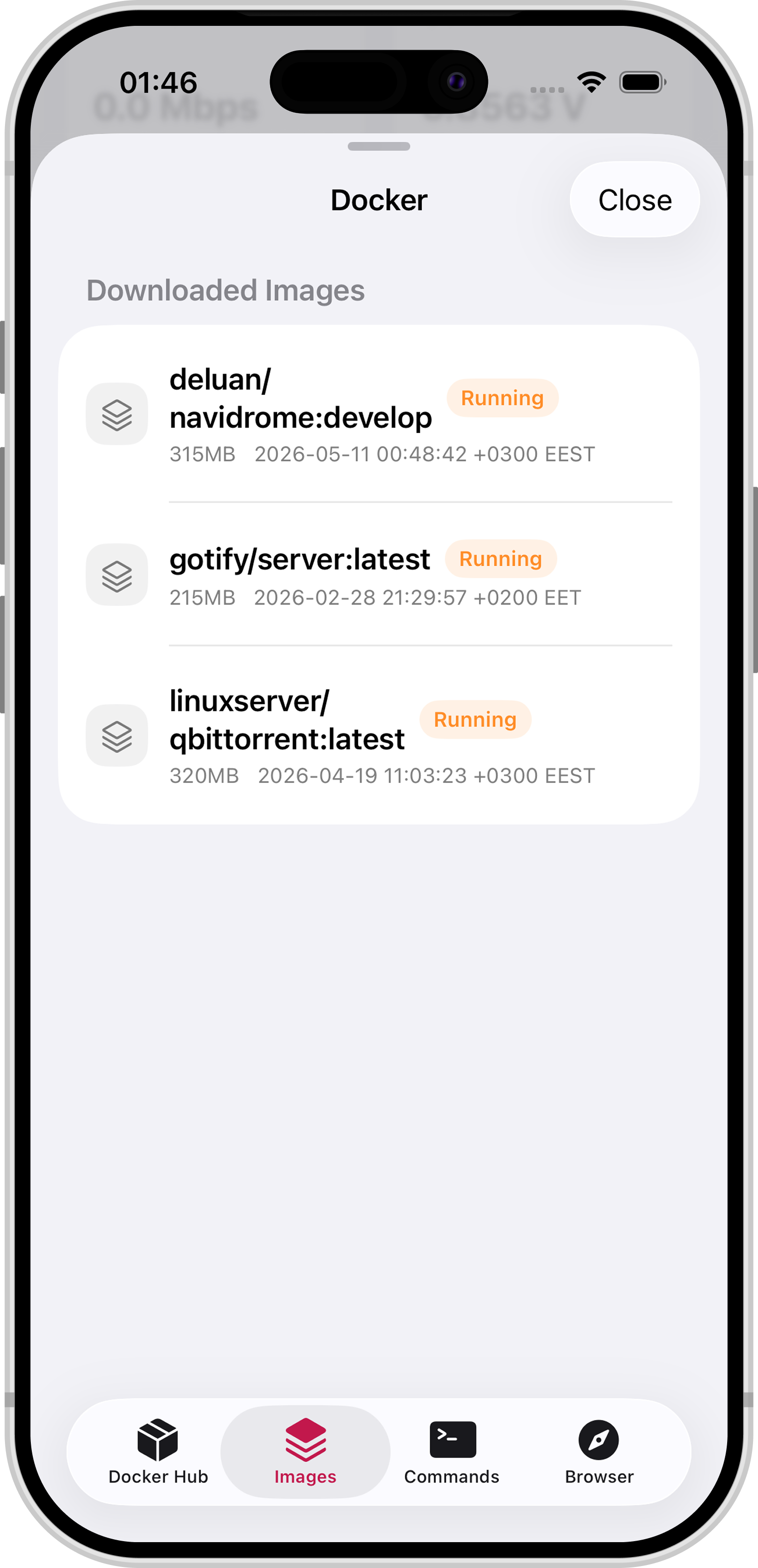
Docker Container Management
View, start, stop, and manage running Docker containers on your Pi.
Backups (raspiBackup)
Configure and run full SD card and system backups safely with raspiBackup.
Scheduled Tasks
View, edit, and trigger system cron jobs and scheduled routines from your phone.
Active Processes
Inspect running processes, monitor CPU and RAM hogs, and manage tasks.
Your Pi, anywhere.
Loved by Raspberry Pi users

Built for Raspberry Pi workflows
Fast monitoring, safe remote access, and one place for services, files, and alerts.
Real-time, not noisy
CPU, memory, disk, temperature, and service health in one clean dashboard.
Secure by default
Face ID, Keychain, and SSH host key verification keep remote access trustworthy.
Multiple Pis. Fast switch.
Save several Raspberry Pi devices and jump between them instantly — no reconnect hassle.
Frequently asked questions
Quick answers about Open Pi, Raspberry Pi monitoring, SSH, Android, and privacy.
What is Open Pi?
Open Pi is a mobile app for monitoring and managing Raspberry Pi devices over your local network on iOS and iPadOS today, with Android coming soon. It includes live metrics, SSH terminal, SCP file transfer, systemd service control, alerts, and biometric security — with no cloud account required.
Does Open Pi require a cloud account?
No. Open Pi is local-first. You connect directly to your Raspberry Pi over SSH on your network. Connection details stay on your device; there is no Open Pi developer cloud or mandatory sign-in.
What can I monitor on my Raspberry Pi?
Open Pi shows real-time CPU, memory, disk usage, temperature, and service health. You can also receive push alerts when metrics cross thresholds you configure.
Does Open Pi work on iPad?
Yes. Open Pi runs on iPhone and iPad with iOS 18 or iPadOS 18 or later. The same dashboard, SSH terminal, and file tools work on both form factors.
How do I connect Open Pi to my Raspberry Pi?
Enable SSH on your Pi, add the host or IP address and credentials in Open Pi, and connect over your local Wi-Fi network. Open Pi can scan the local network to help discover devices. See our Support page for setup help.
Is Open Pi available on Android?
Yes! Open Pi is available on Android via Google Play and on iPhone & iPad via the App Store.
Is my Raspberry Pi data private in Open Pi?
Yes. Open Pi does not upload your Pi metrics, terminal output, or files to developer servers for analytics. Optional passwords can be stored in iOS Keychain or Android Keystore, and biometrics can protect app access. Read the Privacy Policy for details.
Is Open Pi Pro a subscription?
On iOS, Open Pi offers a free tier, an optional 3-day trial with no payment, and one-time Lifetime or Lifetime Family purchases. On Android, Open Pi offers monthly subscription and lifetime access options. Prices and availability are shown by the respective app stores. Read the Terms of Use for purchase, restore, and trial details.
Which Raspberry Pi operating systems does Open Pi support?
Fully supported: Raspberry Pi OS, Ubuntu Server/Desktop for Raspberry Pi, DietPi, Armbian, and generic Debian arm64 images — all use systemd and apt, so metrics, SSH terminal, files, Docker, services, and OS updates work end to end.
Partially supported: Fedora ARM, openSUSE ARM, and Arch Linux ARM use systemd but a different package manager, so everything works except the apt-based OS update panel.
Not supported: appliance-style systems like Home Assistant OS, OpenWrt, LibreELEC, and Alpine Linux, which don't provide the general-purpose Linux access Open Pi's agent needs. See the in-app Settings → Supported Devices screen for the full breakdown.
THE OPEN PI BLOG
Make more of your
Raspberry Pi.
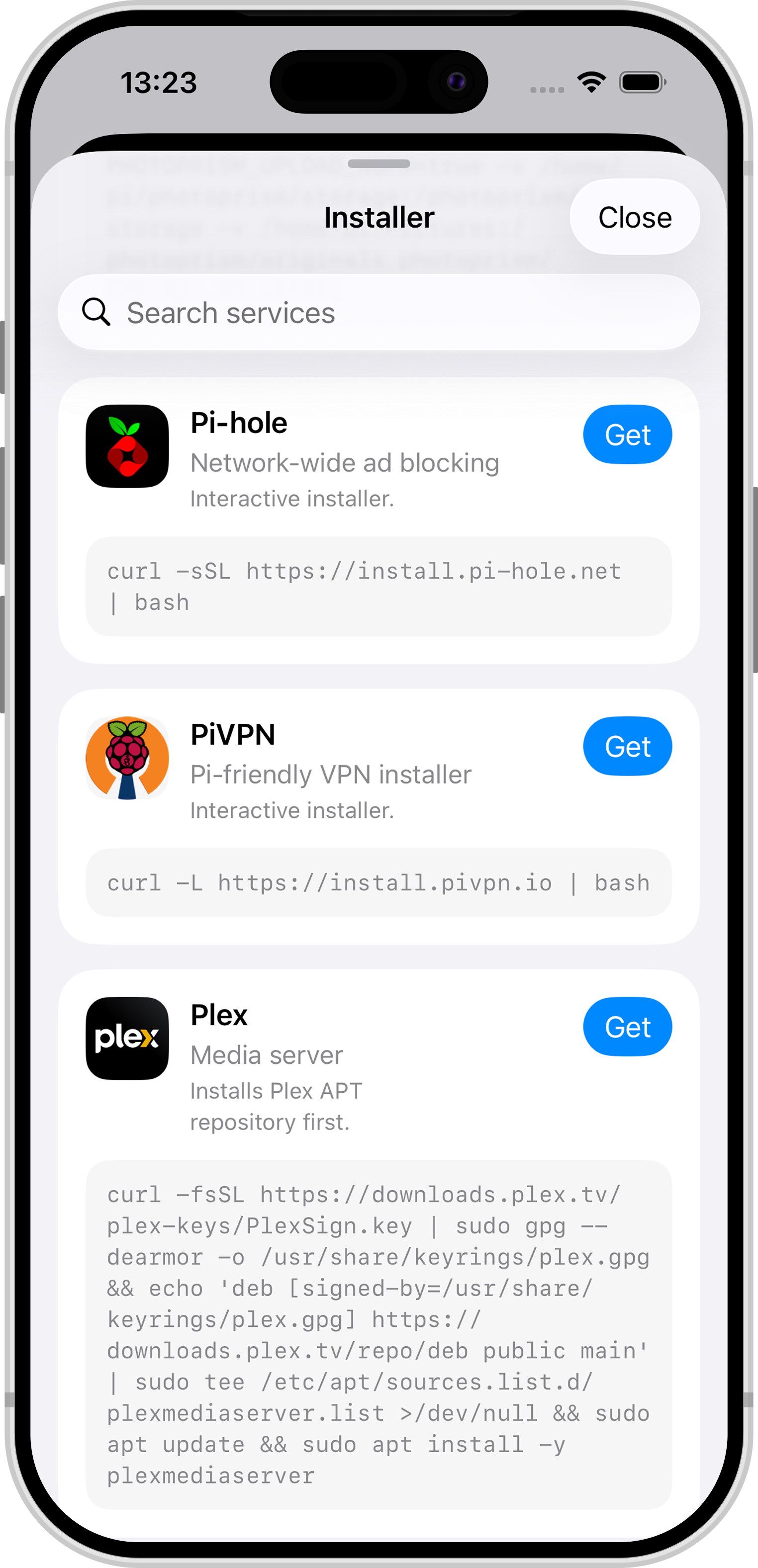
Practical guides for smart homes, private networks, media servers, and maker projects—with clear steps and copyable code.
Read articlesRun Uptime Kuma on Raspberry Pi
Self-hosted home lab and service monitoring.
Install Vaultwarden on Raspberry Pi
Self-hosted Bitwarden password management.
Install Home Assistant on Raspberry Pi
Build your local private smart home hub.

Get Open Pi today
Monitor, manage, and secure your Raspberry Pi from your iPhone, iPad, or Android device.